Administration
The administration is only visible to administrators (menu: Administration). The first user registered on an installation automatically becomes administrator.
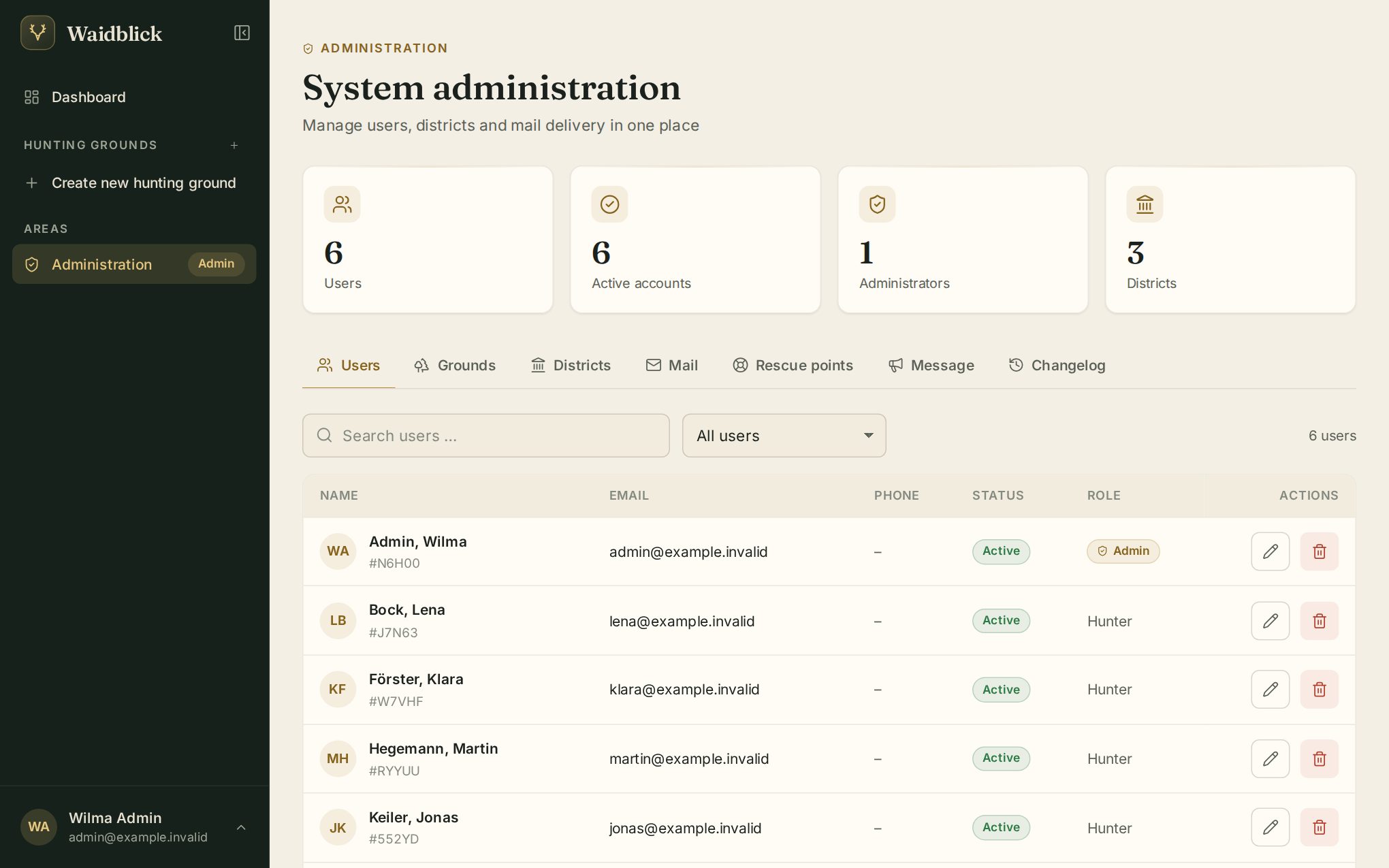
The top shows key figures (users, active accounts, administrators, districts), followed by the tabs.
Users
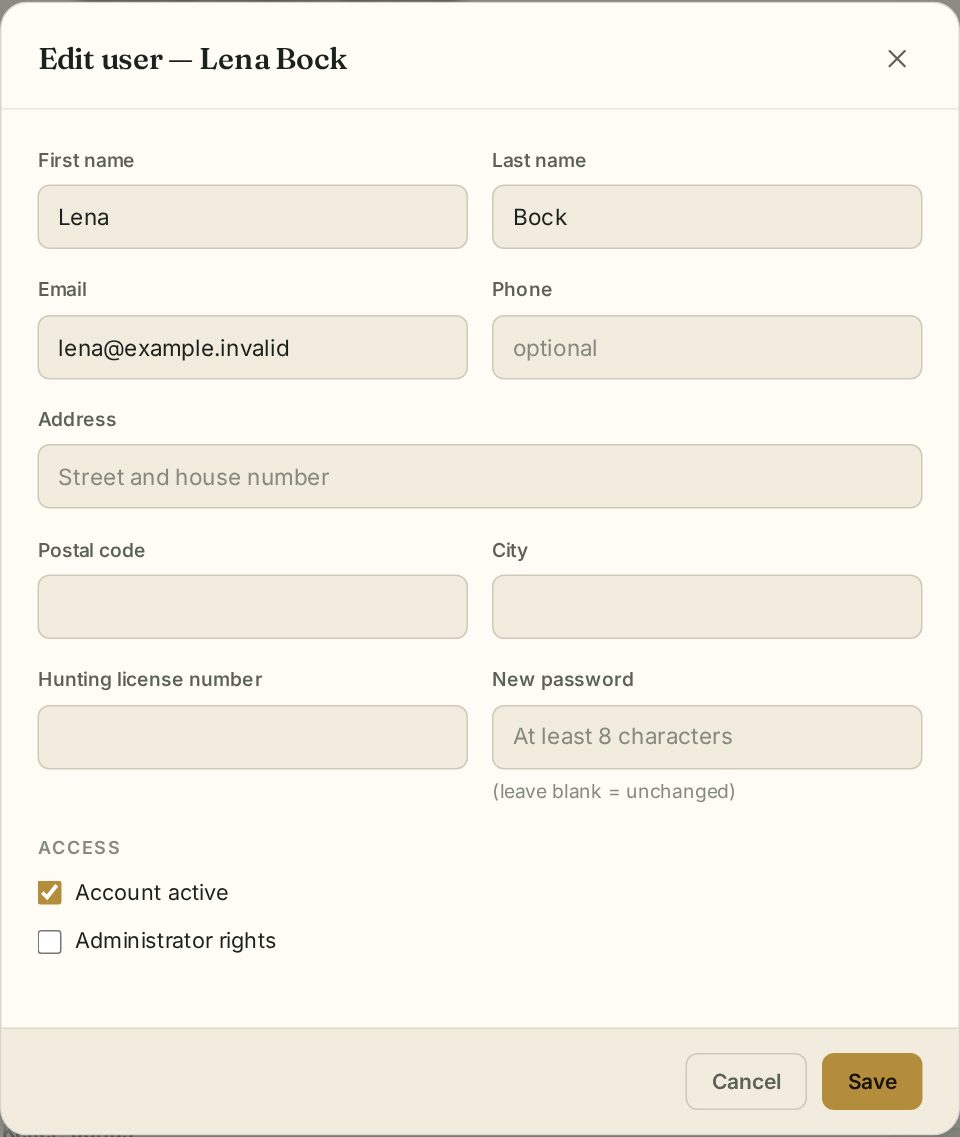
Search and filter (all, active, inactive, administrators, unconfirmed). The pencil icon edits a user: all profile data, a new password, Account active and Administrator rights. The bin deletes an account.
Hunting grounds
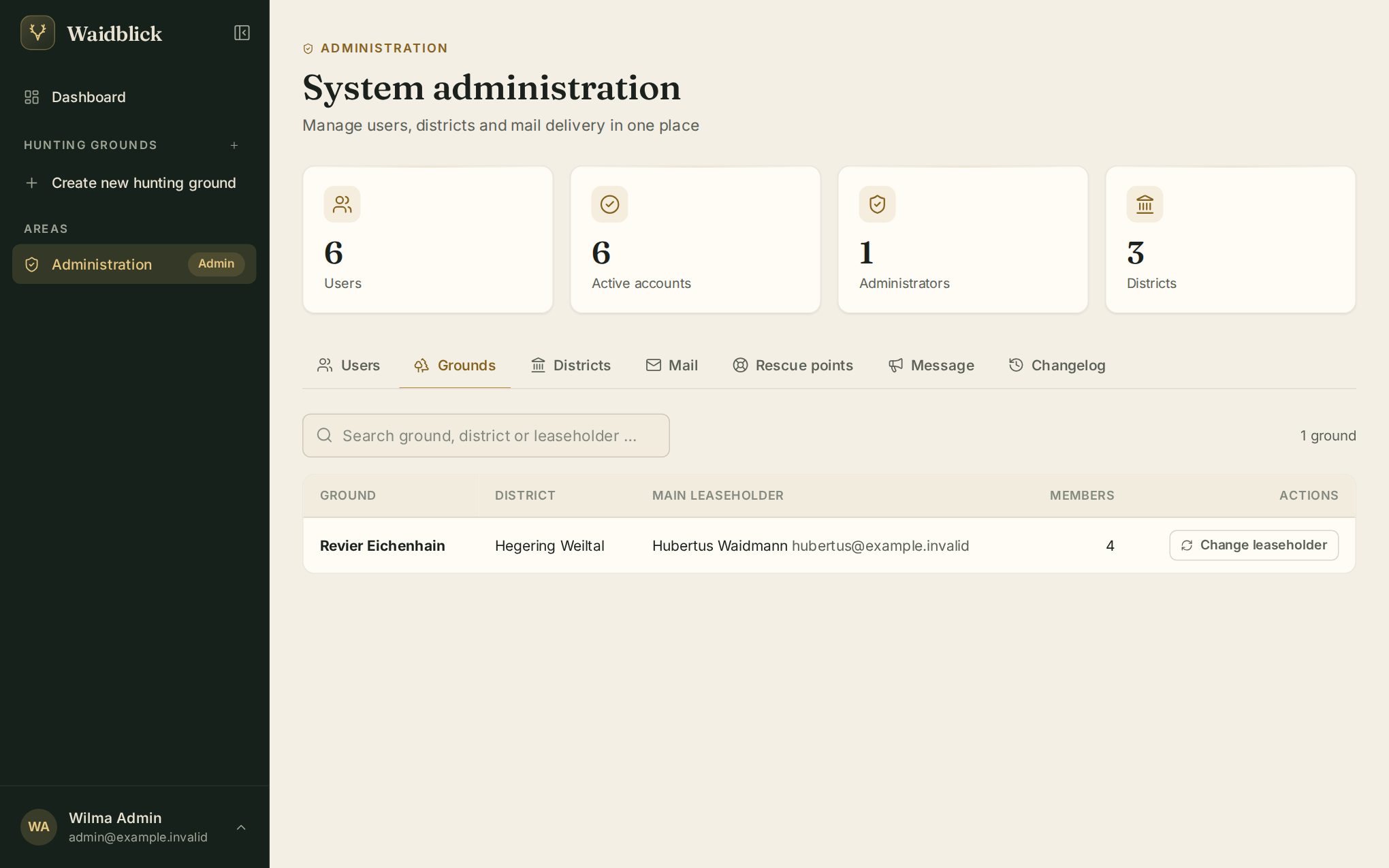
All grounds with district, main leaseholder and number of members. Change leaseholder transfers a ground – administrators can also make any registered person (by email) the main leaseholder.
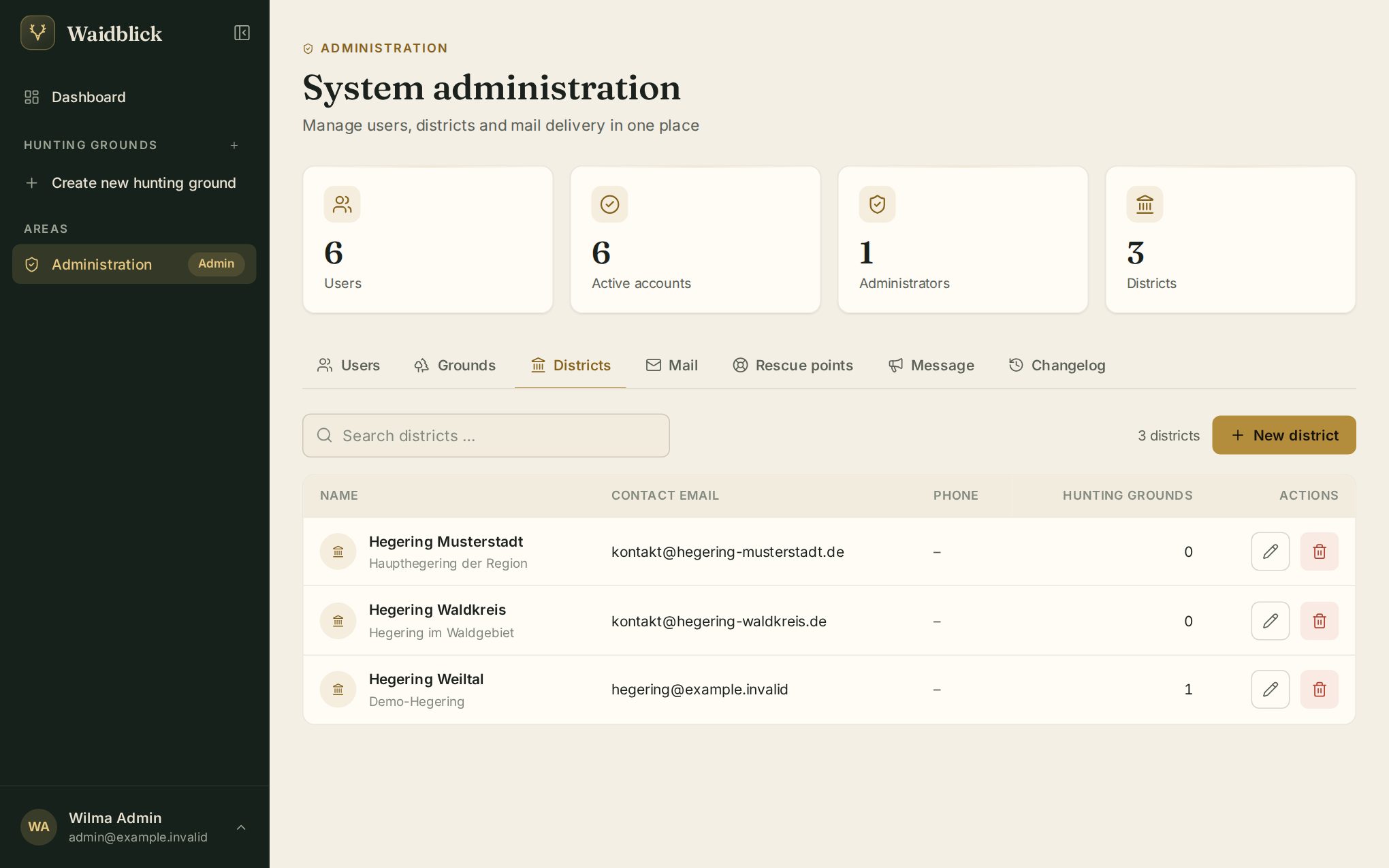
Districts
New district creates a district (name, contact email, phone, description). When editing you also manage the board. A district can only be deleted when no ground is assigned to it any more.
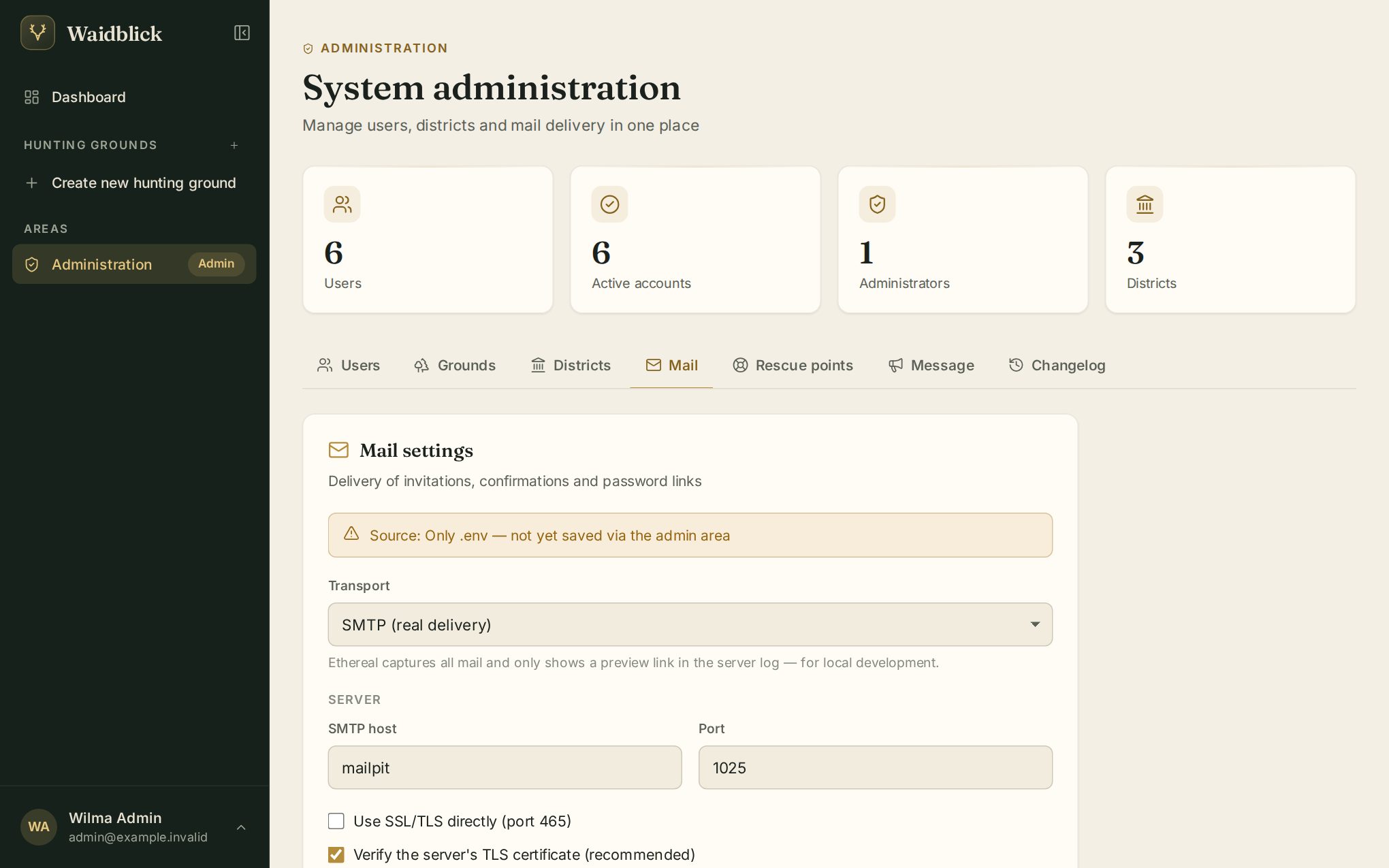
Configure sending of invitations, confirmations, password links and driven hunt notifications: transport (SMTP), server, port, SSL/TLS, user, password and sender. Send test email checks the settings. Values saved here take precedence over the server configuration.
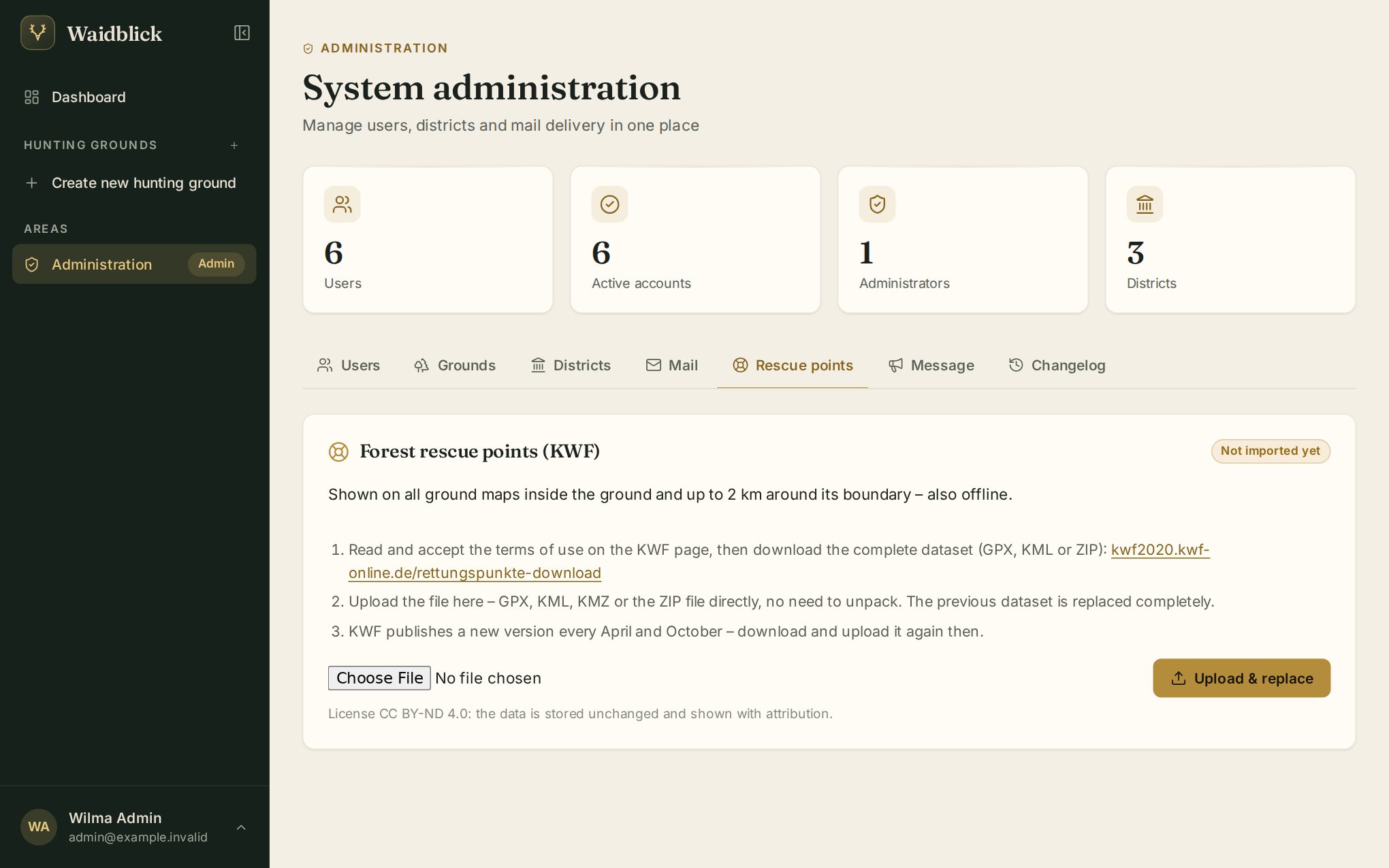
Rescue points
The forestry rescue points of the KWF appear on all ground maps and in the driven hunt documents. Download the complete data set from the KWF website (GPX, KML, KMZ or ZIP) and upload it with Upload & replace. The KWF publishes new data in April and October – Waidblick shows when an update is due.
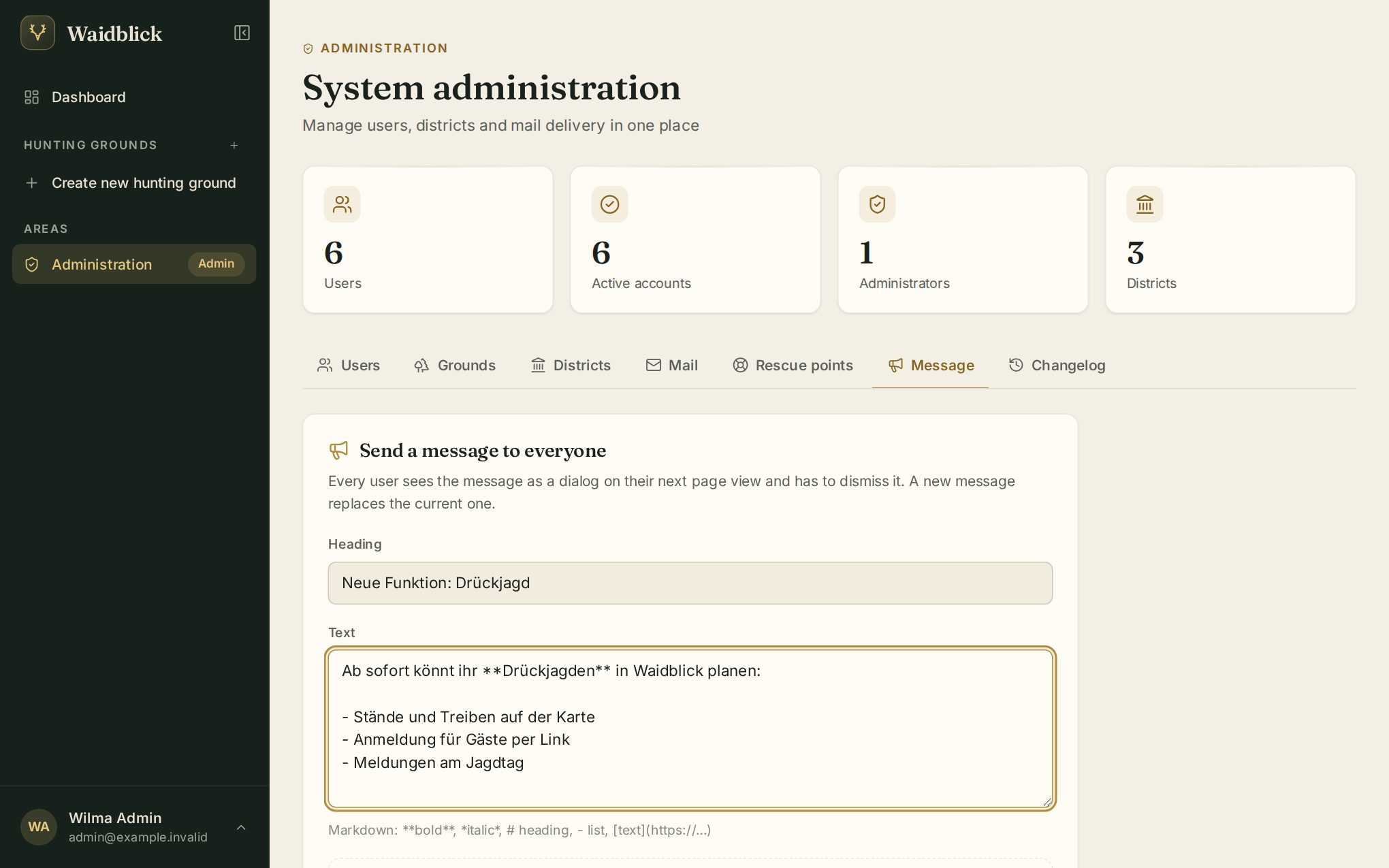
Message to everyone
Under Message you write a notice to all users – with title and text (Markdown, with preview). Everyone sees it as a dialog on their next page view and confirms it with Got it. A new message replaces the previous one. For sent messages you see how many users have read them, and you can withdraw them.
Changelog
The Changelog lists the changes to Waidblick by day; the info icon shows the details. The tab is hidden on smartphones.