
Create a hunting ground
Every signed-in account can create a hunting ground. Whoever creates it automatically becomes the leaseholder (main leaseholder). You find the feature on the dashboard (New hunting ground), in the menu via the + next to “Hunting grounds” and in the user menu.
The wizard guides you through four steps. The top shows where you are; click a completed step to go back.
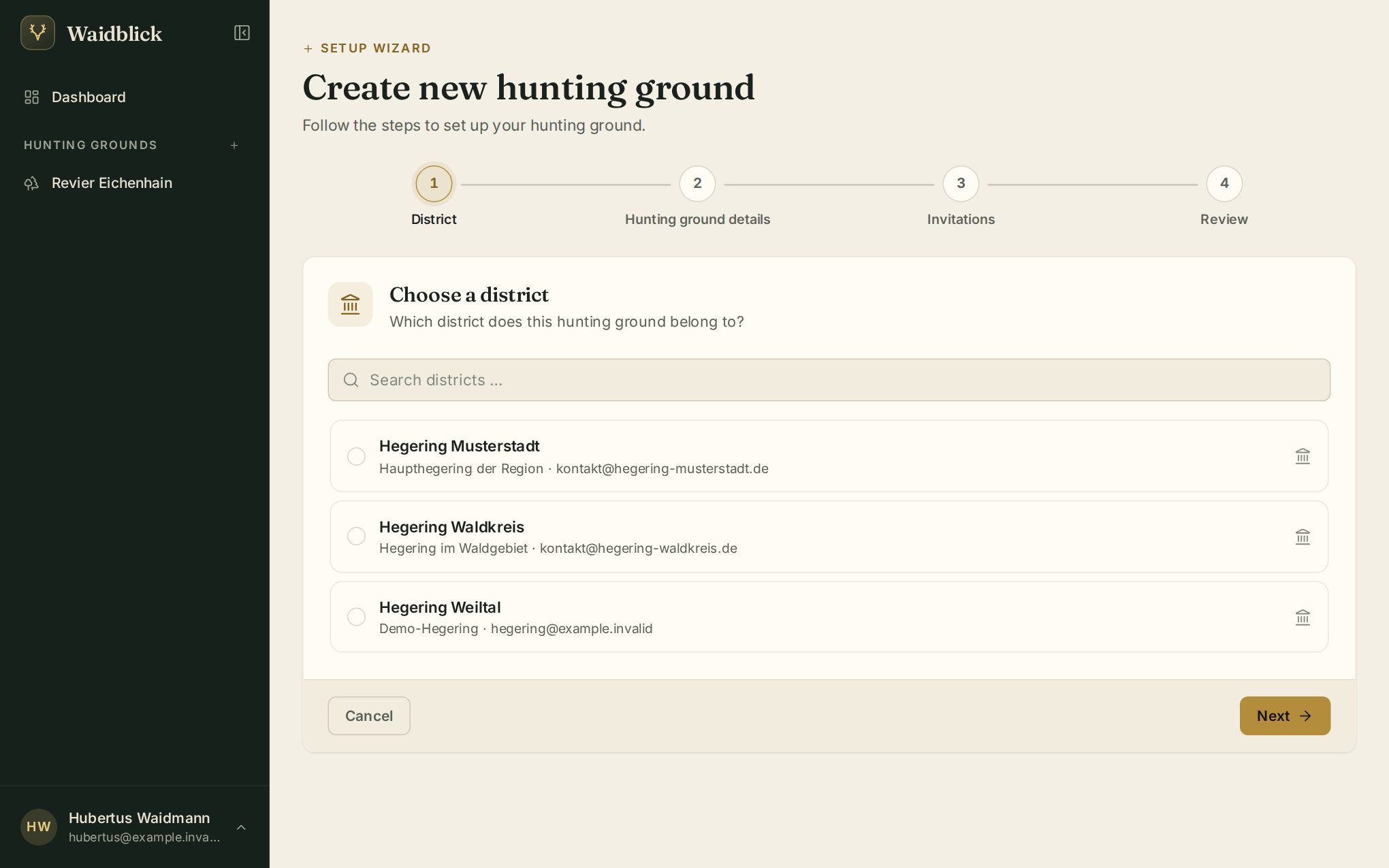
1. Choose a district
Choose the district (Hegering) your ground belongs to; the search field finds it quickly. If your district is missing, contact the administration – only they create districts.
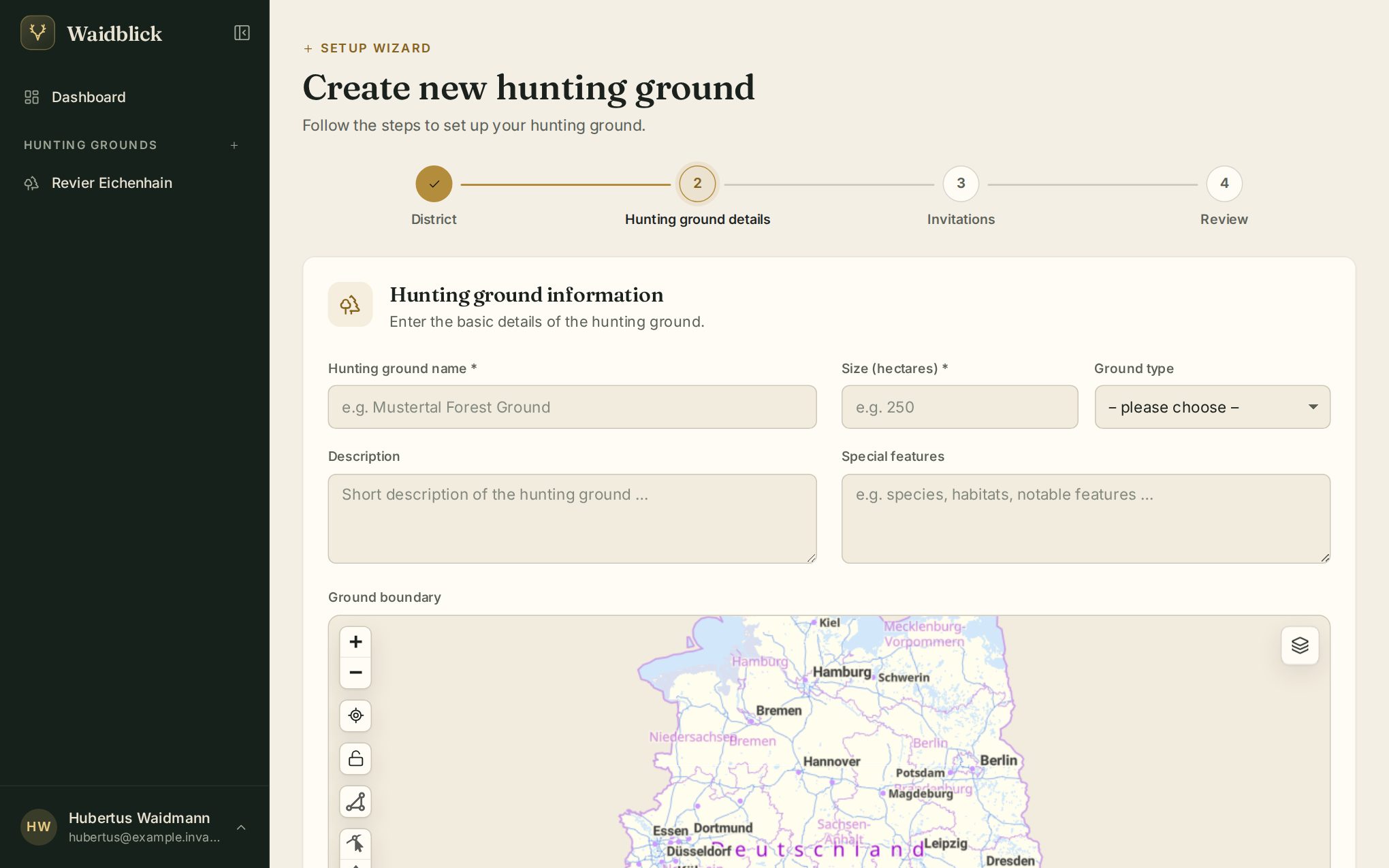
2. Ground information
- Name and size (hectares) are required.
- Type: owned, leased, community, state forest or other.
- Description and special features are free text.
- Ground boundary: draw the boundary on the map with the polygon tool. Waidblick fills in the area and centre automatically. You can also draw or change the boundary later under Manage hunting ground.
- GPS latitude/longitude: centre of the ground. It is set while drawing, but you can also enter it by hand.
3. Invite hunters
Optionally invite co-leaseholders and associate hunters by email right away. Invite another person adds a row. Skip lets you invite people later.
4. Summary
Check everything and tap Create hunting ground. Afterwards you can open the ground, go to the dashboard or create another one.