Smartphone app
Using Waidblick on the smartphone
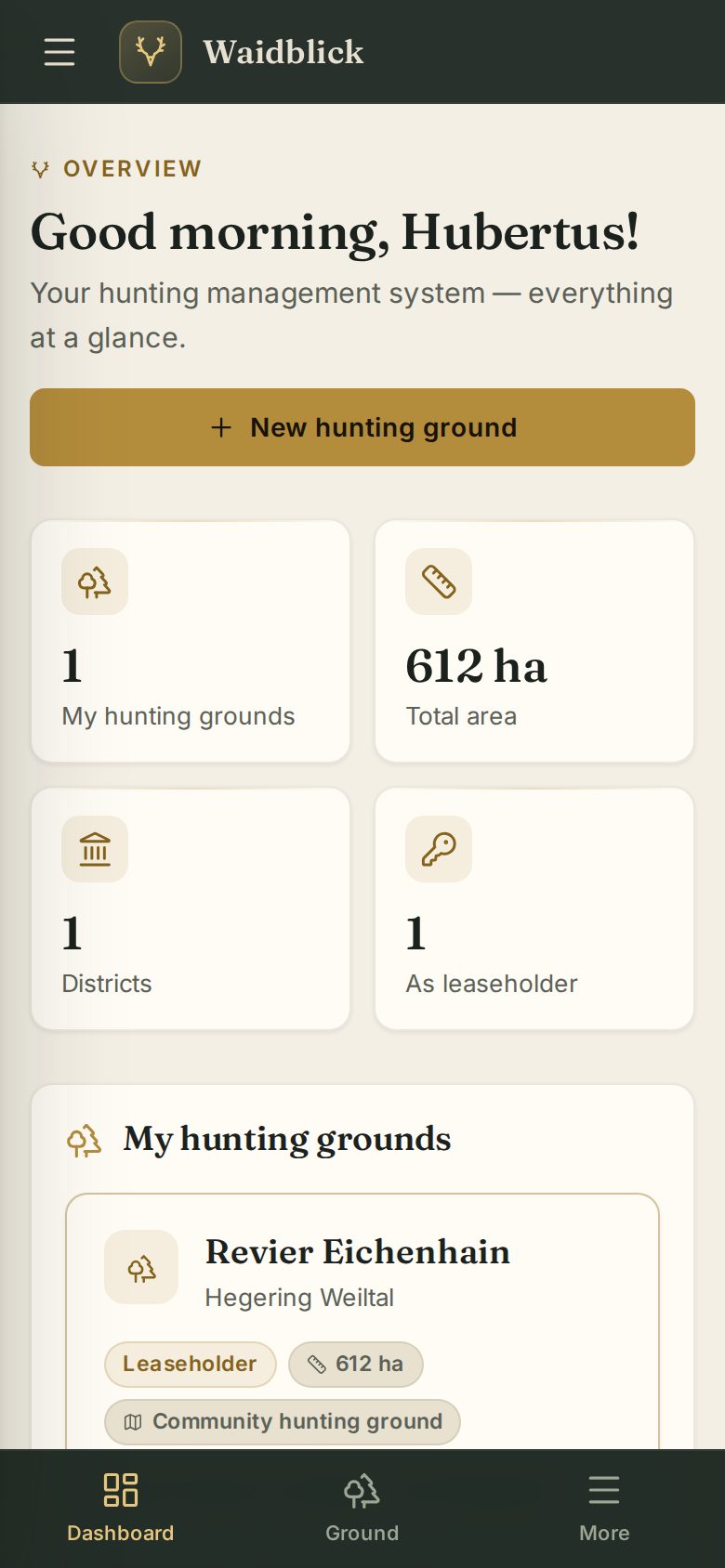
On the smartphone (and on tablets in portrait mode) Waidblick adapts: instead of the menu on the left there is a title bar at the top and a navigation bar at the bottom.
Navigation bar
| Button | Function |
|---|---|
| Dashboard | Overview with your grounds and invitations |
| Ground | The hunting ground you opened last |
| District | Only for district board members |
| Admin | Only for the administration |
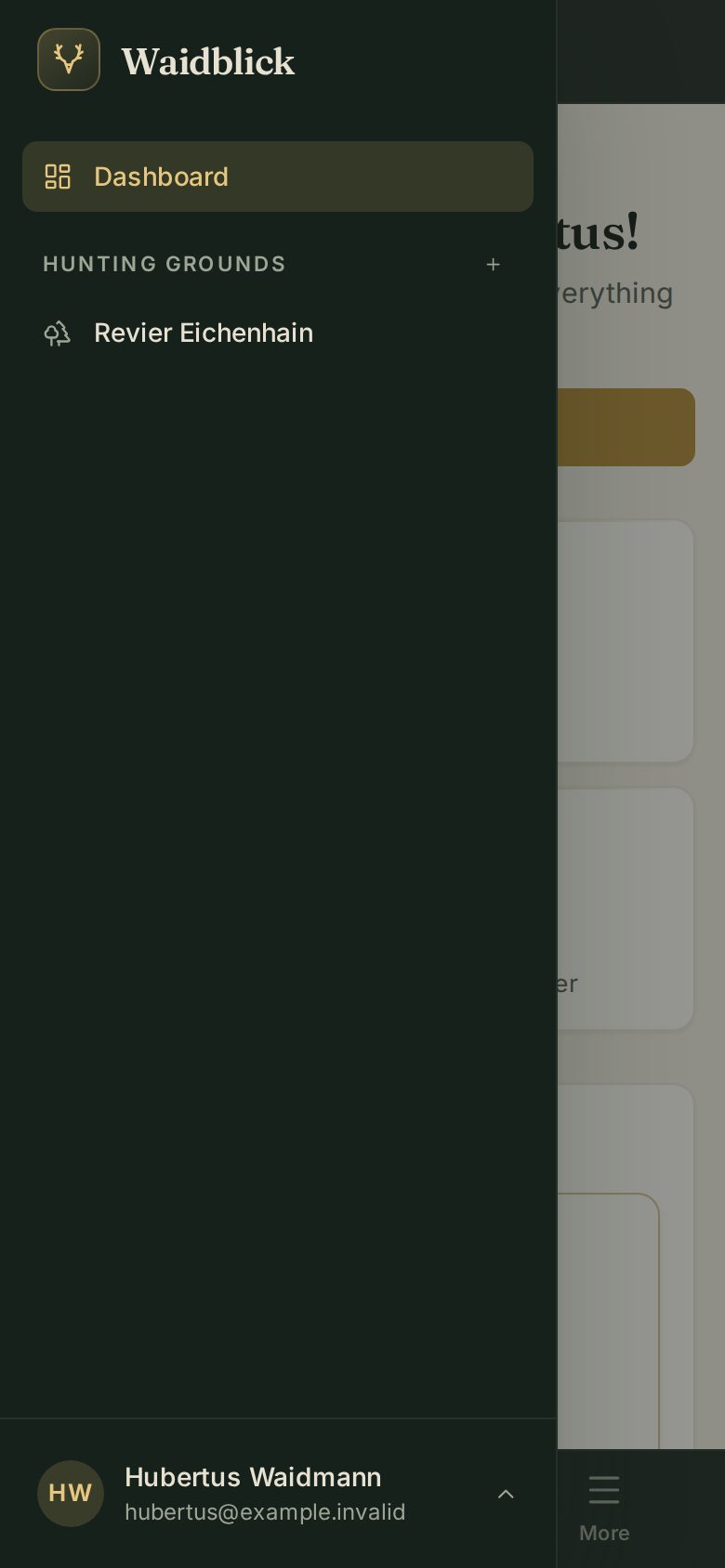
| More | Opens the menu with all grounds, their areas, “Manage hunting ground” and your user menu (profile, appearance, language, log out) |
The areas of a ground
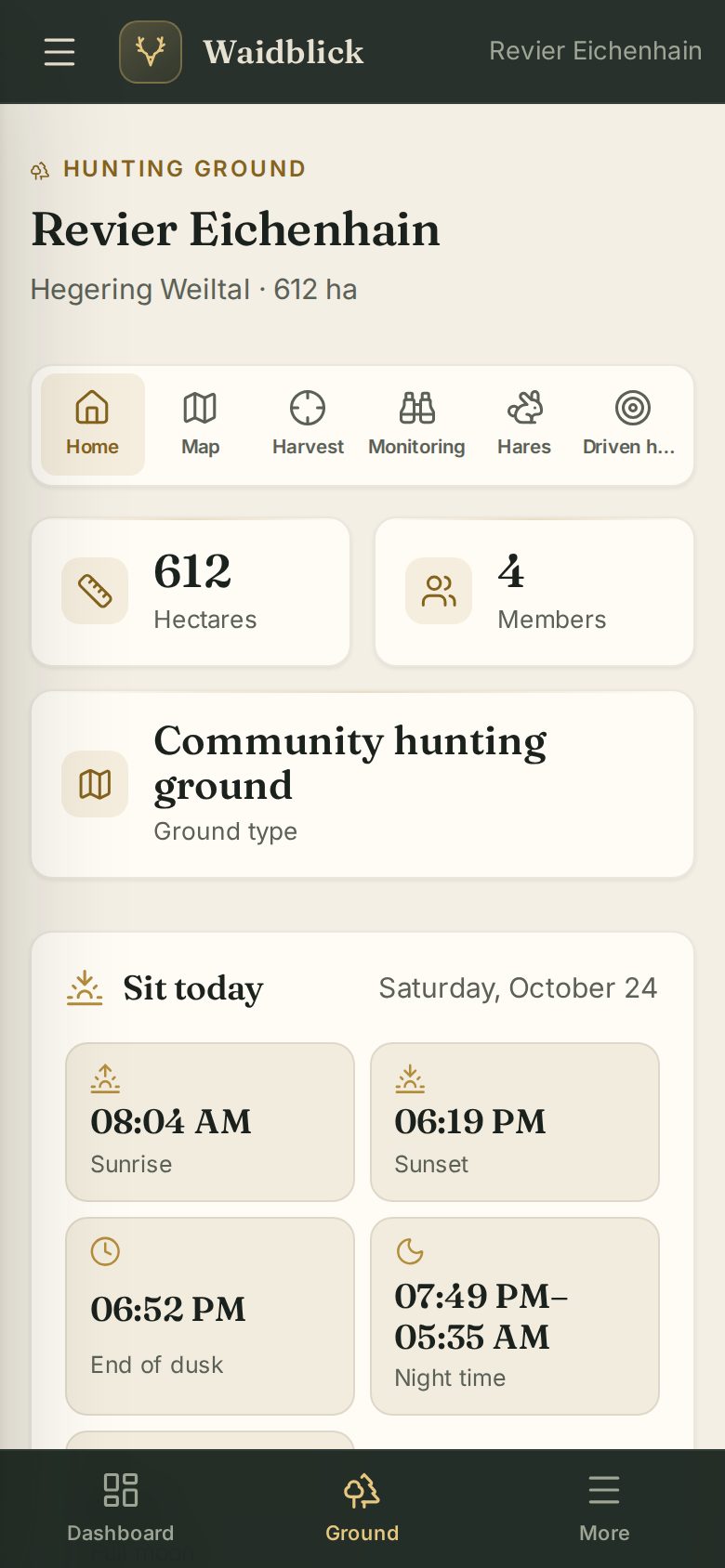
Inside a ground the areas are shown as symbols with short names: Home, Map, Harvest, Monitoring, Hares and Driven hunt. If they do not all fit, swipe the bar sideways – a shadow at the edge shows there is more.
What is different on the smartphone
- The ground map fills the whole screen (see Ground map in the field).
- The harvest log shows compact rows; double-tap an entry to edit or delete it. Multi-select is only available on a computer.
- The driven hunt is split into tabs (see Driven hunt on the smartphone).
- Dialogs open as sheets from the bottom edge, with large buttons.
- The administration's Changelog tab is hidden on small screens.